Design Systems built for your brand and your AI tools
A component library built around your brand on top of shadcn/ui, with the docs, lint rules and agent skills that keep your team and its AI tools on the system.
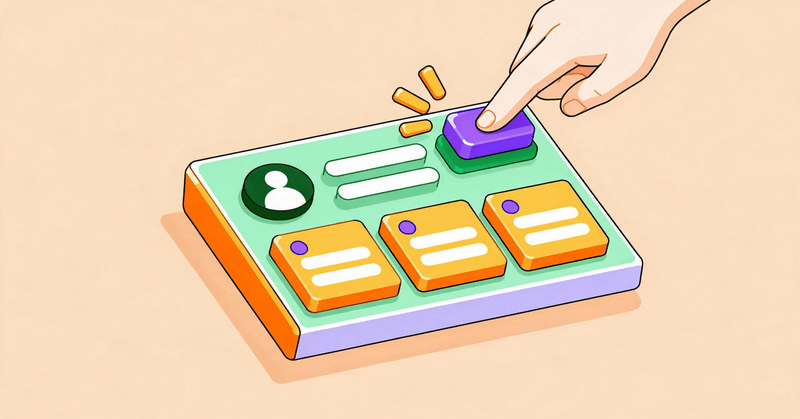
A good design system is one your team stops thinking about. New screens look like they belong, buttons behave the same everywhere, and nobody has to ask which grey to use. I build that system on top of shadcn/ui, shaped around the brand you already have, and add the documentation and checks that stop you, your team and your AI coding tools from drifting off it.
A system built for your brand
Colour, type, spacing and motion live in one set of tokens for light and dark mode. Tailwind and every component read from them.
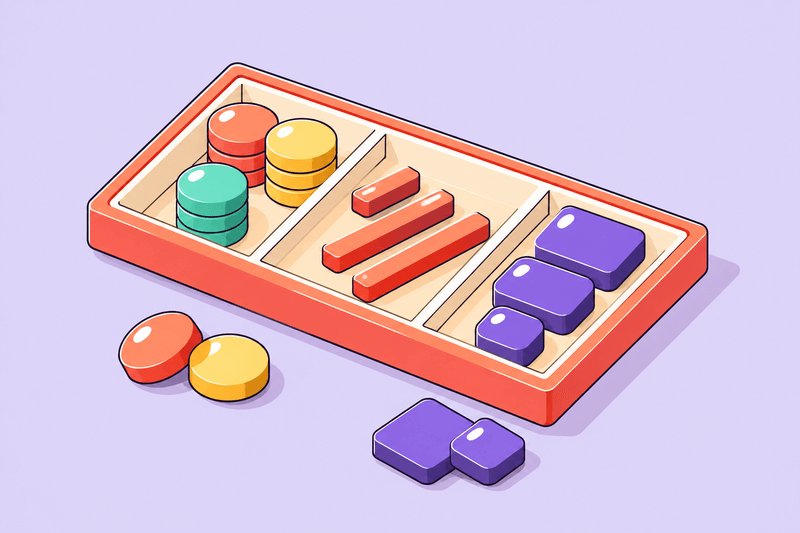
Components that fit like a glove
Built on shadcn/ui, with small parts composed into larger ones. Every component meets WCAG 2.2 AA in light and dark mode.
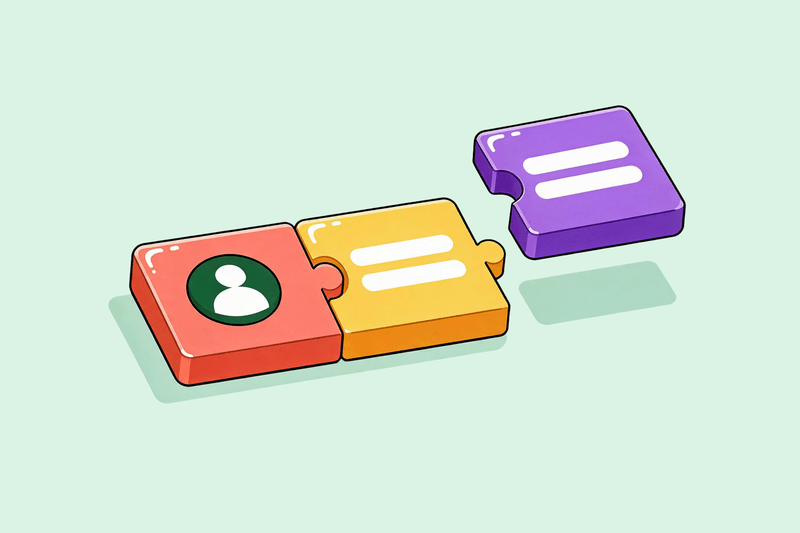
Guardrails for people and AI
Lint rules, agent skills and hooks catch raw colours and one-off components, for your team and its AI coding tools alike.
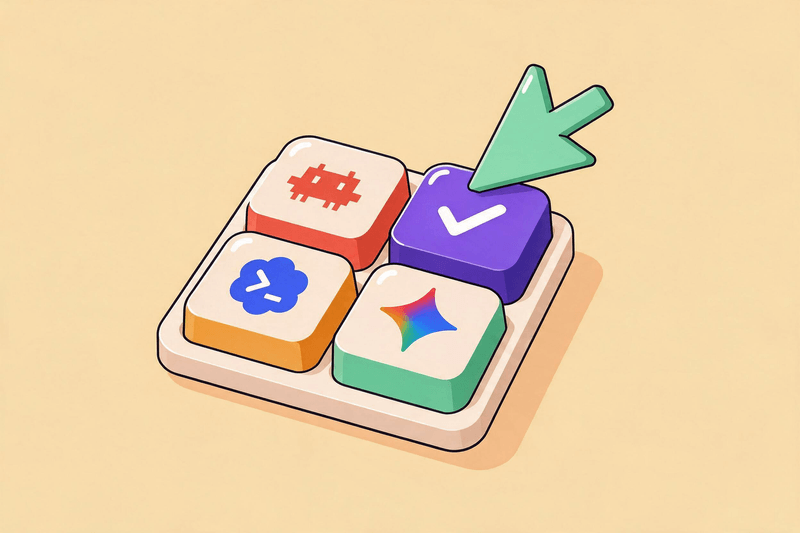
Every component, documented
Each component comes with usage docs and examples, so nobody has to read the source to use it.
Start fresh or fix what you have
New products get flows designed with the system. Existing ones move over in batches while your product keeps shipping.
Kept in shape as you grow
On a monthly retainer, I review new work, fix drift and add components, or take on your whole frontend.
Every system starts with the tokens, components and checks. Storybook comes with the larger scopes, and design, migration and upkeep are quoted separately. I scope all of it after a free audit of your product, because two apps with the same number of screens can need very different systems.
Why you need a system.
Your users never see your codebase. They see a Save button that’s blue on one page and grey on the next, a date field that wants a different format in billing than in settings, and an error that turns a field red in one form and pops up a toast in another. Each difference is small, but each one makes them stop and relearn the screen in front of them.
That hesitation adds up. People start to wonder whether a grey button is disabled or just styled that way, whether their changes saved, whether this page belongs to the same product. Some write in to ask, some find a workaround, and some quietly leave. A product can do exactly what people need and still feel hard to use. And when it looks unfinished, people trust it less with their data and their money.
The cause is rarely one bad decision. Without a system, every screen is a small design decision. One developer picks a blue, another picks one shade lighter, and a third copies a button from an older page that nobody updated. Each choice is reasonable on its own. Six months later, your product has four button styles, and your users are the ones who notice.
A design system makes those decisions once. Your team builds from components that already look right, and reviews turn into questions about the product instead of padding. New hires and contractors get productive faster because the answer to “how should this look?” is already in the code.
AI coding tools make the gap wider. An agent with no system invents its own styles on every prompt, so the same request can come back as two different screens. With documented components, agent skills and lint rules, the agent’s first attempt follows the same rules your team does, and anything that slips through fails the check.
The rules are written for your system, so the error names the component or token to use instead. They also keep the atomic structure intact: atoms stay small and self-contained, and larger pieces are composed from them rather than copied. That works the same in Claude Code, Codex, Cursor or a teammate’s editor.
Where are you starting from?
Most systems start from something: a product already on shadcn/ui, a different component library, or years of custom CSS. Pick yours to see what I handle and what needs a closer look.
The stack is React, with Tailwind CSS for styling by default. Everything else, from the framework to the build setup, follows your product. Brand identity work such as logos and choosing your palette isn’t included. I need at least a logo and a colour or type direction, or a live product, to build from.
Systems I’ve built and shipped.
WeKeep, the accounting platform I’m building now, runs three apps from one shared UI package: the main product, an admin console and internal tools. They share one set of OKLCH colour tokens for light and dark mode, about 40 components on shadcn/ui and Base UI, and a design document written for coding agents. Lint rules for Tailwind classes and shadcn/ui usage run on every commit, so the screens agents build for me fit without a cleanup pass.
Before WeKeep, I ran Drool, a design studio for early-stage startups. SellScale’s product grew past 200 screens while we worked on it, so we built a modular system the screens could be composed from: buttons, button groups, chips, inputs and checkboxes, each with its sizes, colours and states defined once.
For MyDrip, an AI shopping app, we designed the flows and the system together. We mapped the whole journey, from sign-up and photo uploads to AI outfit recommendations and checkout, then built each screen from the same set of parts.
For Phidata (now Agno), we set the visual foundations its site and product were built on.
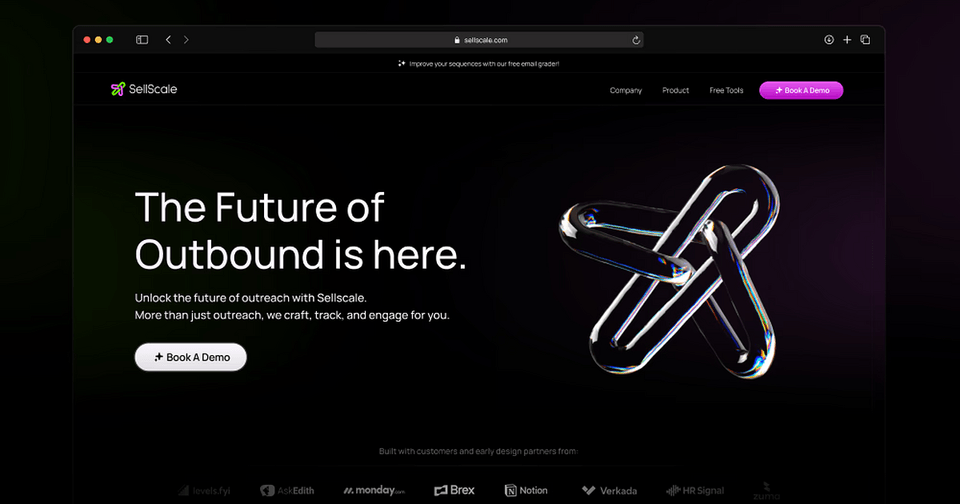
SellScale - AI-Powered Cold Outreach Platform
A comprehensive design overhaul of an all-in-one cold outreach platform that automates LinkedIn and email campaigns for B2B sales teams.
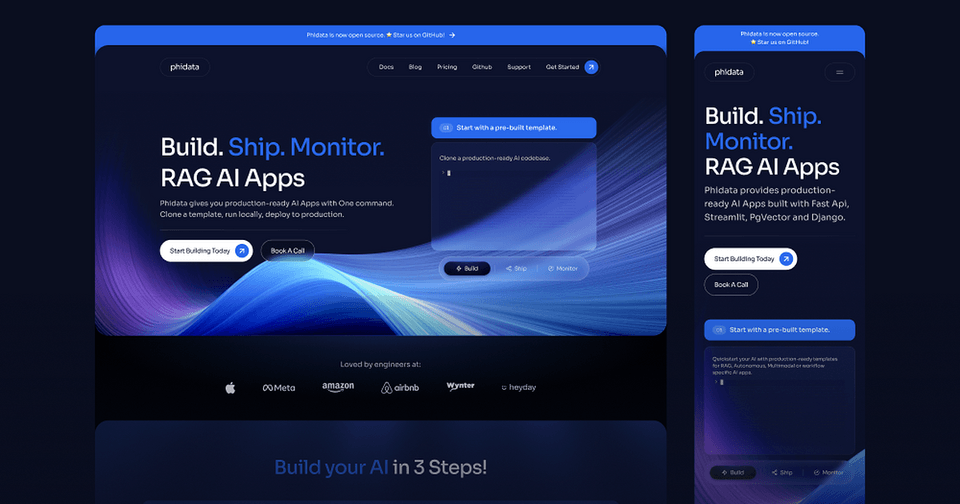
Phidata - AI Assistant Platform Landing Page
A comprehensive landing page redesign for an innovative AI assistant platform, focusing on clear communication and conversion optimization.
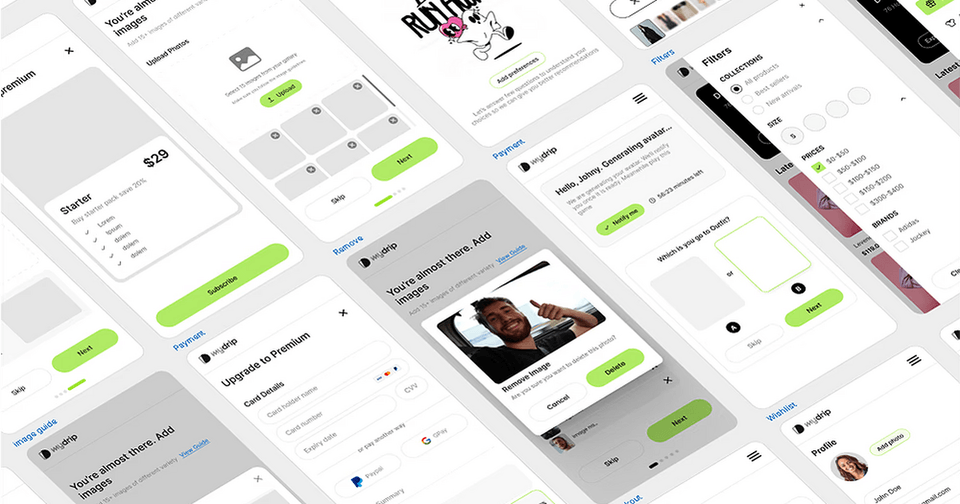
My Drip - AI-Powered Personalized Shopping Experience
An innovative MVP that combines generative AI with personalized eCommerce, delivering daily outfit recommendations with realistic photos of users wearing them.
This site has a small system of its own: shared tokens, plus documented accessibility and motion rules that agents read before they change anything.
Priced by scope, quoted after an audit.
Every product needs a different system, so I quote after a free audit instead of using a calculator. These examples show where most projects land.
Foundation
A base system on shadcn/ui for one product.
From $1,000
About 4 weeks
- Brand tokens for light and dark mode
- Every shadcn/ui component you use, restyled
- 10–15 custom components
- Up to 3 showcase screens
- Agent instructions, skills, hooks and lint rules
- Usage docs, delivered as your own shadcn registry
Product system
A fuller system for a product with several flows.
From $2,500
4–8 weeks
Everything in Foundation, plus:
- More custom components and patterns
- Storybook with documented examples
- Delivered in your monorepo, a separate repository or a self-hosted registry
System and product
The system plus the product built on it.
From $8,000
8 weeks or more
Everything in Product system, plus:
- UI/UX design for your flows
- Existing screens moved onto the system
- A new frontend, on your backend or a mocked one
The Foundation scope is delivered as a custom shadcn registry, so your team installs components with the shadcn CLI and owns the code it copies. From the Product system scope up, you choose how it ships: inside your monorepo, as its own repository, or through a registry I set up on your hosting.
Fixed-price work is paid in milestones. To start, you pay a deposit of 25% of the quote or $1,000, whichever is more. On a $8,000 quote, that’s $2,000; a $1,000 system is paid in full upfront. The deposit is credited toward the final milestone and isn’t refundable once work starts. Once you accept the quote, the price stays fixed for the agreed scope.
Design, migration and upkeep.
These are quoted on their own or in one quote with the system, so overlapping work is never charged twice.
Moving your existing UI is quoted per screen after the audit, since a settings page and a data-heavy dashboard aren’t the same work.
UI/UX design and frontend development are quoted from the flows we agree. For a new product, I can build against a mocked backend or on top of the one you have.
Upkeep runs on a monthly retainer, from reviewing new work against the system to owning your whole frontend. Retainers start at $2,500 a month, and we agree the details on a discovery call.
From audit to handoff.
You work with me directly at every step. Most systems take four to eight weeks from deposit to handoff, and you review the work at each milestone before the next one starts.
The audit starts with a short call about your product and team. For a live product, I then need a demo account with sample data, and credits if your product charges for usage, so I can test every flow and map the components it uses. Within about five working days, you get a written audit: the components and flows I found, where the UI is inconsistent, what shadcn/ui covers and what needs to be custom, and a fixed quote. The call and the audit are free, and you keep the audit even if we don’t work together.
Before we start.
These are the questions people usually ask first. If yours isn’t here, ask me directly.
No. If you already use shadcn/ui, the system builds on what you have, and the audit shows how much rework it needs. If you don’t, I bring it in as the foundation. Either way, the Foundation scope starts at $1,000.
Often, yes. If you use Chakra UI, MUI or a library of your own, I review it first. Sometimes the best system wraps it with your tokens, lint rules and agent tooling. Sometimes replacing it costs less over time. The audit tells you which, and I quote that work individually.
A short call, a link to your product, and for a live product a demo account with sample data or test credits so I can try every flow. If that isn’t possible, a staging environment or a recorded walkthrough of each flow works too. I’m happy to sign an NDA first. Please don’t send logins through the form; we agree a secure way to share them after the call. Access to your code repository is optional for the audit and needed once work starts.
By atomic design. Atoms are the smallest pieces, like a button or an input. Molecules compose atoms, like a search field with its button. Organisms compose molecules into sections, like an invoice table with its filters. A new component is composed from existing ones wherever possible, and a new atom is built from scratch only when nothing fits. Lint rules and agent skills keep each layer importing only from the layers below it.
Yes. The instructions, skills and lint rules live in your repository in formats these tools read, and the lint rules run the same way in an editor, a pre-commit hook and CI. Whichever tool your team prefers, it gets the same rules.
shadcn/ui supports both. I default to Base UI for new systems and keep Radix if your product already uses it, so you don’t migrate primitives for no reason.
No. Keeping a Figma library in sync with code is the same drift problem the system is meant to fix. From the Product system scope up, Storybook shows every component with live, documented examples instead.
Most systems take four to eight weeks from deposit to handoff. Adding UI/UX design, moving existing screens or building a new frontend can take longer. I confirm a timeline in the audit.
For 30 days, I fix bugs in the components I delivered at no cost. New components and changes after that are separate work, or part of a monthly retainer if you’d like me to keep the system in shape.
Yes. UI/UX design, moving existing screens and frontend development are each quoted with the system or on their own. For a new product, I can build against a mocked backend or on the one you have.
You do. Everything I build is yours, delivered in your repository or registry. shadcn/ui and the libraries it uses are open source under their own licences.
Let’s look at your product.
Tell me about your product and where its UI is today, and I’ll get back to you within two working days to set up a call. The call and audit are free; submitting this form doesn’t commit you to anything.